
In today’s fast-evolving work environment, the demand for flexibility, autonomy, and clarity is greater than ever. The traditional office model, with its real-time meetings and rigid schedules, is giving way to more agile, remote-friendly solutions. One communication trend that’s becoming increasingly relevant is asynchronous video communication—a powerful method that allows teams to collaborate more effectively across time zones, schedules, and work styles.
But what exactly is asynchronous video communication, and why is it gaining traction in modern workplaces?
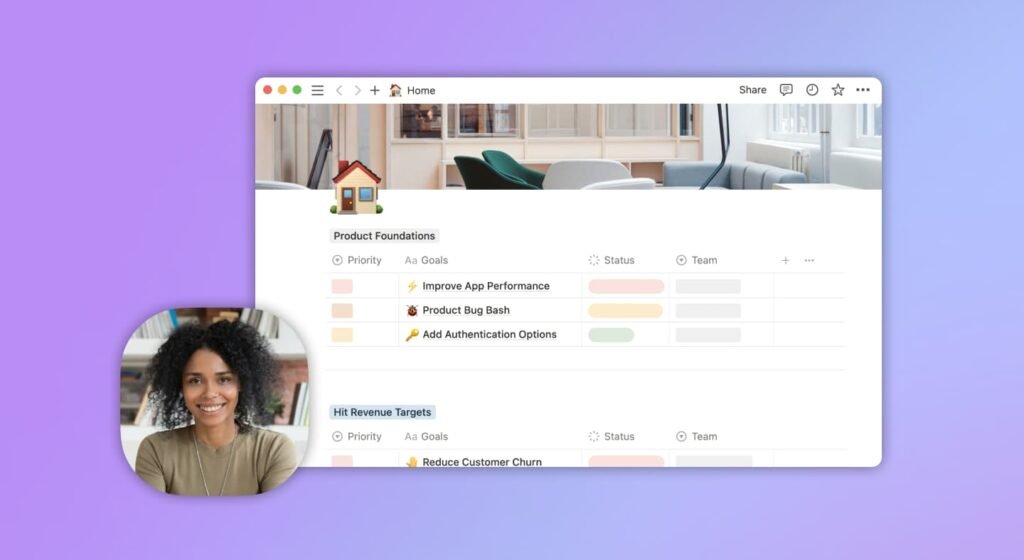
What Is Asynchronous Video Communication?
Asynchronous video communication is the process of sharing video messages that can be watched, responded to, or revisited at any time—rather than requiring all participants to be present at the same moment. Think of it as the video counterpart to email or chat messages. Instead of hopping on a live Zoom call or waiting for everyone’s availability to align, a team member records a video update, walkthrough, or feedback session that others can engage with on their own schedule.
This method isn’t about replacing real-time communication entirely but rather offering a strategic alternative when live meetings aren’t necessary. It preserves the tone, clarity, and nuance of verbal communication while reducing the friction of coordinating live calls.
Why Are More Teams Adopting It?
1. Time Zone Flexibility
One of the biggest barriers to global collaboration is managing different time zones. Asynchronous video solves this by allowing people to participate without syncing calendars. A designer in Paris can record a product walkthrough that their developer counterpart in San Francisco watches hours later, followed by feedback in their own time.
This model respects people’s time and reduces the stress of scheduling across international teams.
2. Fewer Meetings, More Focus Time
Meetings, while important, are notorious for eating into focused work hours. Not every conversation needs to be live. By shifting routine updates, briefings, or feedback sessions to asynchronous videos, teams can reduce meeting overload and allow individuals more uninterrupted time to do deep work.
In fact, replacing recurring standups or weekly updates with video check-ins often leads to better engagement and retention of information—because people consume it when they’re most receptive.
3. Clearer Communication and Documentation
When you record a video, you have time to prepare and present your thoughts clearly. Many tools even allow you to add screen recordings, annotations, and chapters to guide your viewer through the content.
Additionally, asynchronous videos can be stored, replayed, and referenced later, unlike live calls that often disappear after the moment passes. This built-in documentation improves transparency and ensures knowledge isn’t lost.
4. Inclusive and Empowering for All Work Styles
Some people thrive in real-time conversations. Others prefer space to reflect and respond thoughtfully. Asynchronous video levels the playing field by giving everyone a chance to participate in a way that suits their communication style.
It also benefits introverts, non-native speakers, or those juggling caregiving responsibilities or irregular hours. When participation isn’t bound by a fixed schedule, more voices can be heard.
5. Faster Decision-Making for Simple Topics
For routine tasks—like sharing a product demo, explaining a bug, or giving design feedback—waiting to organize a live meeting can be inefficient. A quick asynchronous video speeds things up, allowing decisions to be made without dragging everyone into a call.
Instead of slowing progress, this communication style accelerates alignment by removing calendar bottlenecks.
How to Make Asynchronous Video Work for Your Team
Embracing asynchronous video isn’t just about recording and sharing. It requires a shift in mindset and some best practices to ensure it’s effective:
- Be concise: Aim for short, focused videos. Respect your team’s time.
- Structure your content: Use outlines, screen sharing, and clear visuals to guide the viewer.
- Provide context: Set the stage at the beginning—what’s the topic, and what do you want from the viewer?
- Make it interactive: Use platforms that allow timestamped comments or reactions so others can engage directly with specific moments.
- Know when to go live: Asynchronous isn’t a universal replacement. Use it for updates, walkthroughs, and feedback—but keep brainstorming, sensitive discussions, and complex alignment in real time.
The Right Tool Matters
To succeed with asynchronous communication, using the right platform makes all the difference. Look for tools that support screen recording, transcription, collaborative commenting, and integrations with your team’s workflow.
Platforms like Claap are designed specifically for this purpose—enabling teams to centralize video knowledge, gather input across teams, and create a living record of collaboration.
Final Thoughts
Asynchronous video communication is not a fleeting trend—it’s a foundational shift in how we work. It brings clarity without chaos, flexibility without compromise, and inclusivity without friction. By embracing it, teams can unlock more efficient collaboration, better communication, and a healthier balance between work and meetings.
It’s not about eliminating real-time interaction—it’s about using it more intentionally. And that’s the future of productive teamwork.

